Online
Over the internet, on weekday evenings.
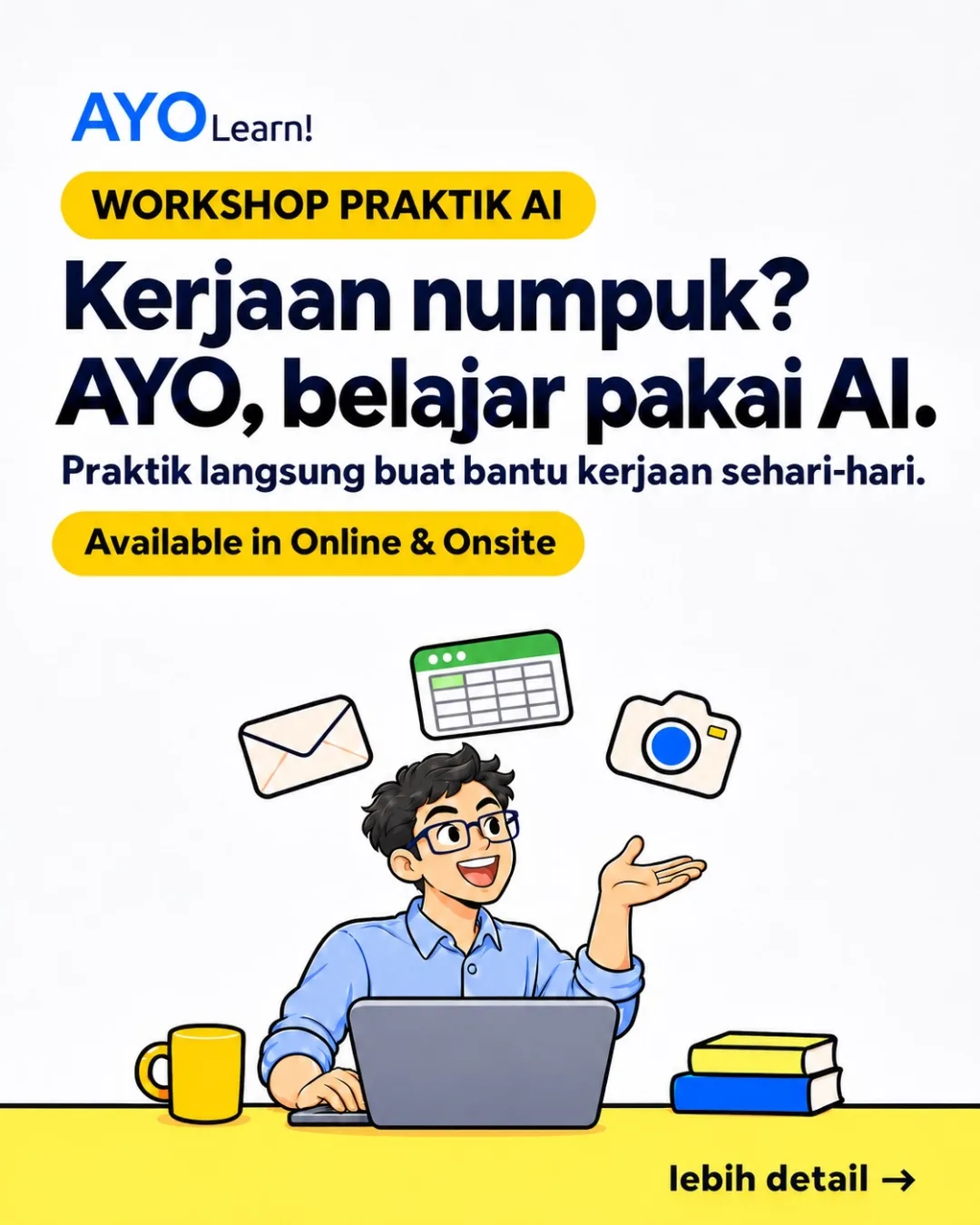
Hands-on AI workshops
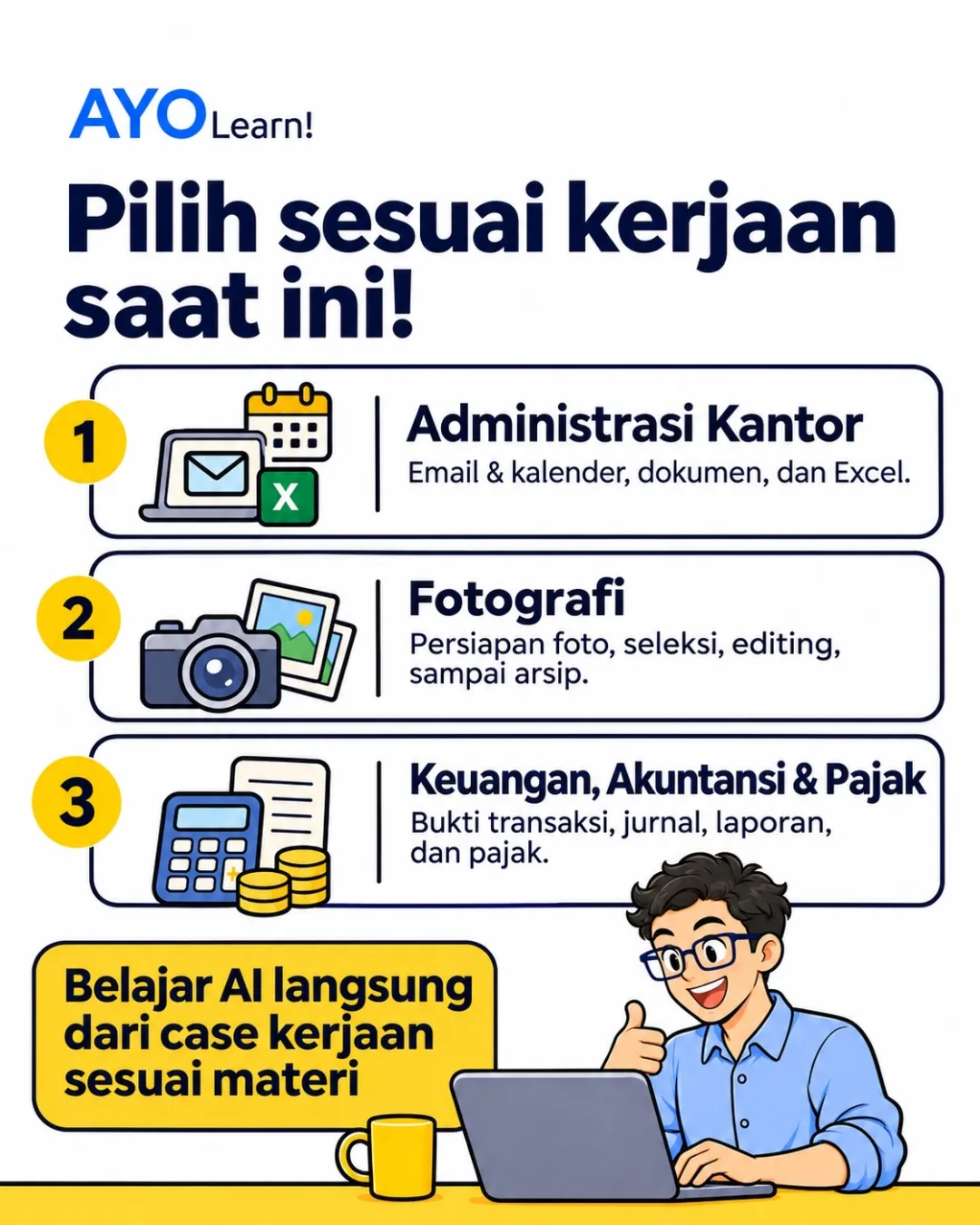
Practice that helps with everyday work. Pick office administration, photography, or finance, accounting, and tax, and learn from real work cases.
Sessions, slides, and practice files are in Bahasa Indonesia.

Workshop topics
Every topic runs online and onsite. A class has two sessions, and each session can also be taken on its own.

Email and calendar, documents, and Excel.
View details
Shoot preparation, culling, editing, and archiving.
14 exercises · 10 AI-assisted steps
View details
Transaction records, journals, reports, and tax.
17 exercises · 15 AI-assisted steps
View detailsWhy AYO

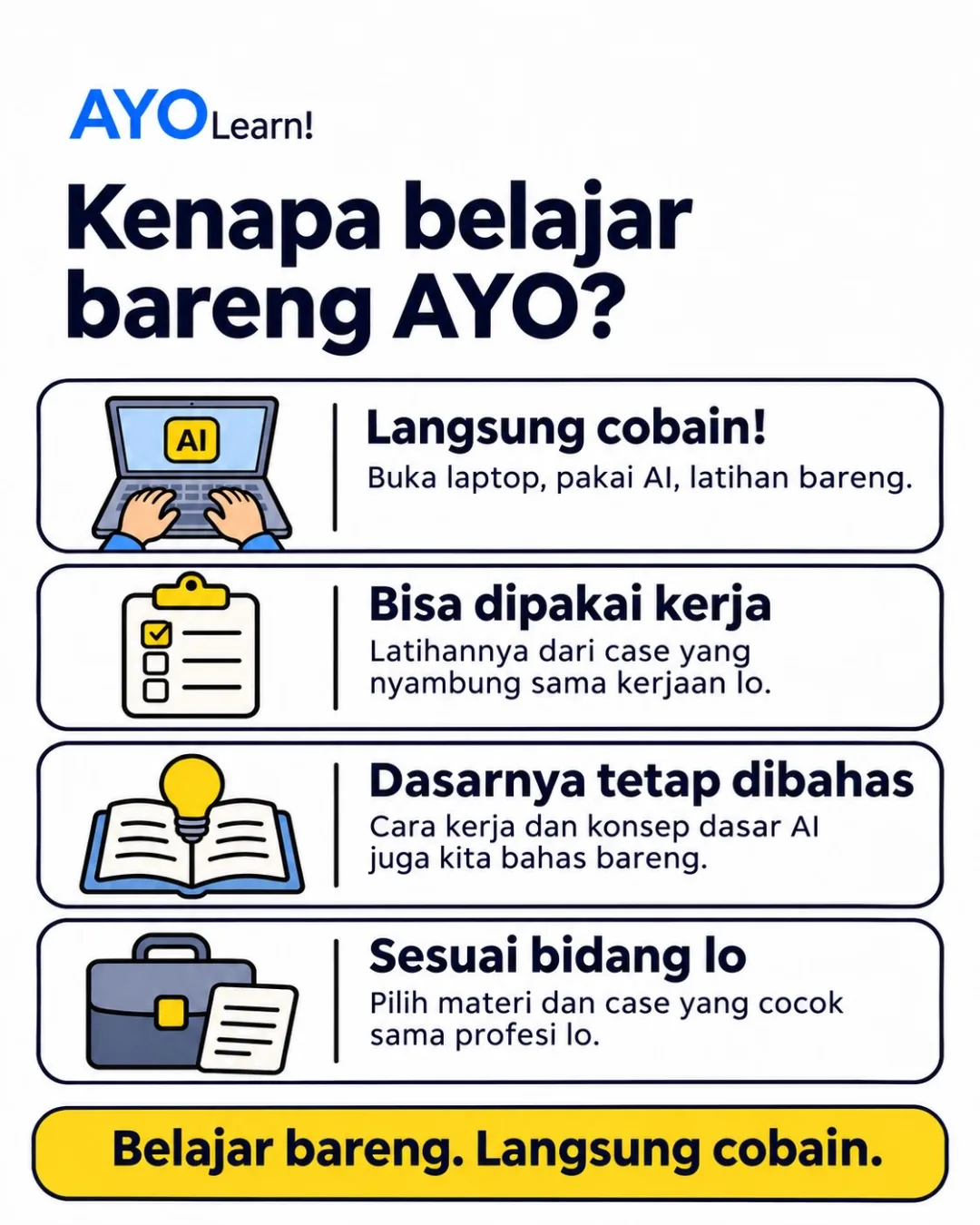
Open the laptop, use AI, and practise together.

Exercises come from cases close to everyday work.

How AI works and its core ideas are explained too.

Choose the topic and cases that match your job.
How it works
Every exercise trains two things: asking AI to do one step of the work, then checking the result before using it. The examples below come from the office administration material.
Find the emails from the last 7 days that haven't been answered. Summarise the requests and their deadlines. Don't reply yet.
Connect Gmail to the AI first.
Draft a reply to this email. Content: [my decision]. At most 120 words. Save it as a draft, don't send it.
The decision is still written by a person.
So the only thing that slips by is the work day, not the deadline.
Every sample result in the modules contains one or two slips an AI agent would plausibly make. Participants learn to spot them and fix the request.
Photography, Exercise 5
The script used the laptop's time zone (WIB), so sunrise at Lake Kawaguchi printed as 03:37 instead of 05:37 Japan time.
Photography, Exercise 12
A warm colour grade tinted the snow on Mount Fuji. White things should stay white.
Finance, Accounting, and Tax, Exercise 2
The request only said "this month", so the agent created 11_November while the books being closed were October's.
Finance, Accounting, and Tax, Exercise 11
The agent matched one warehouse rent entry to two IDR 27,000,000 transfers on 19/10 and 20/10, so the duplicate on 20/10 went unnoticed.
Schedule
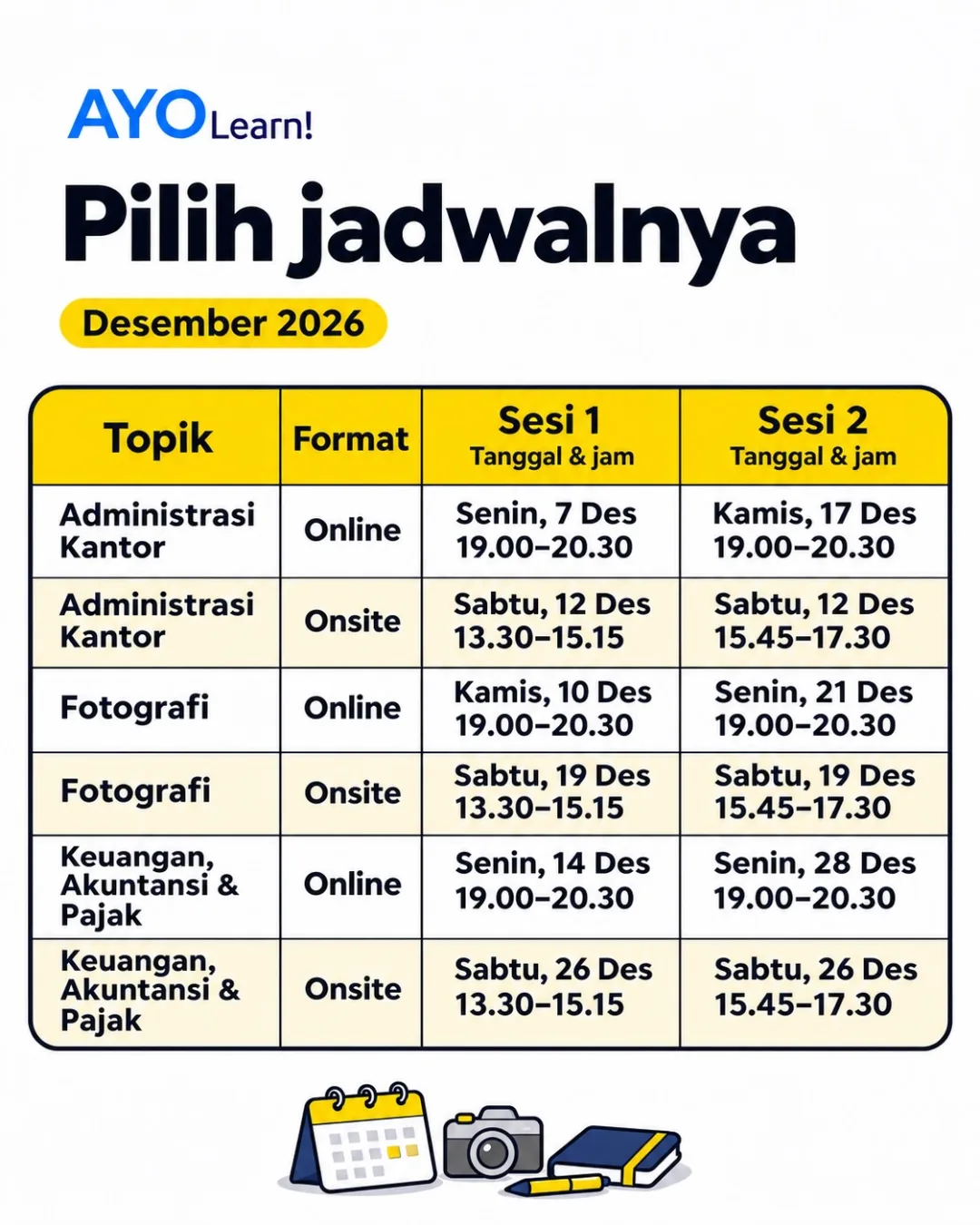
Online classes run on weekday evenings. Onsite classes run on a Saturday, with both sessions on the same day.
| Topic | Format | Session 1 | Session 2 | Register |
|---|---|---|---|---|
| Office Administration | Online | Register | ||
| Office Administration | Onsite | Register | ||
| Photography | Online | Register | ||
| Photography | Onsite | Register | ||
| Finance, Accounting, and Tax | Online | Register | ||
| Finance, Accounting, and Tax | Onsite | Register |
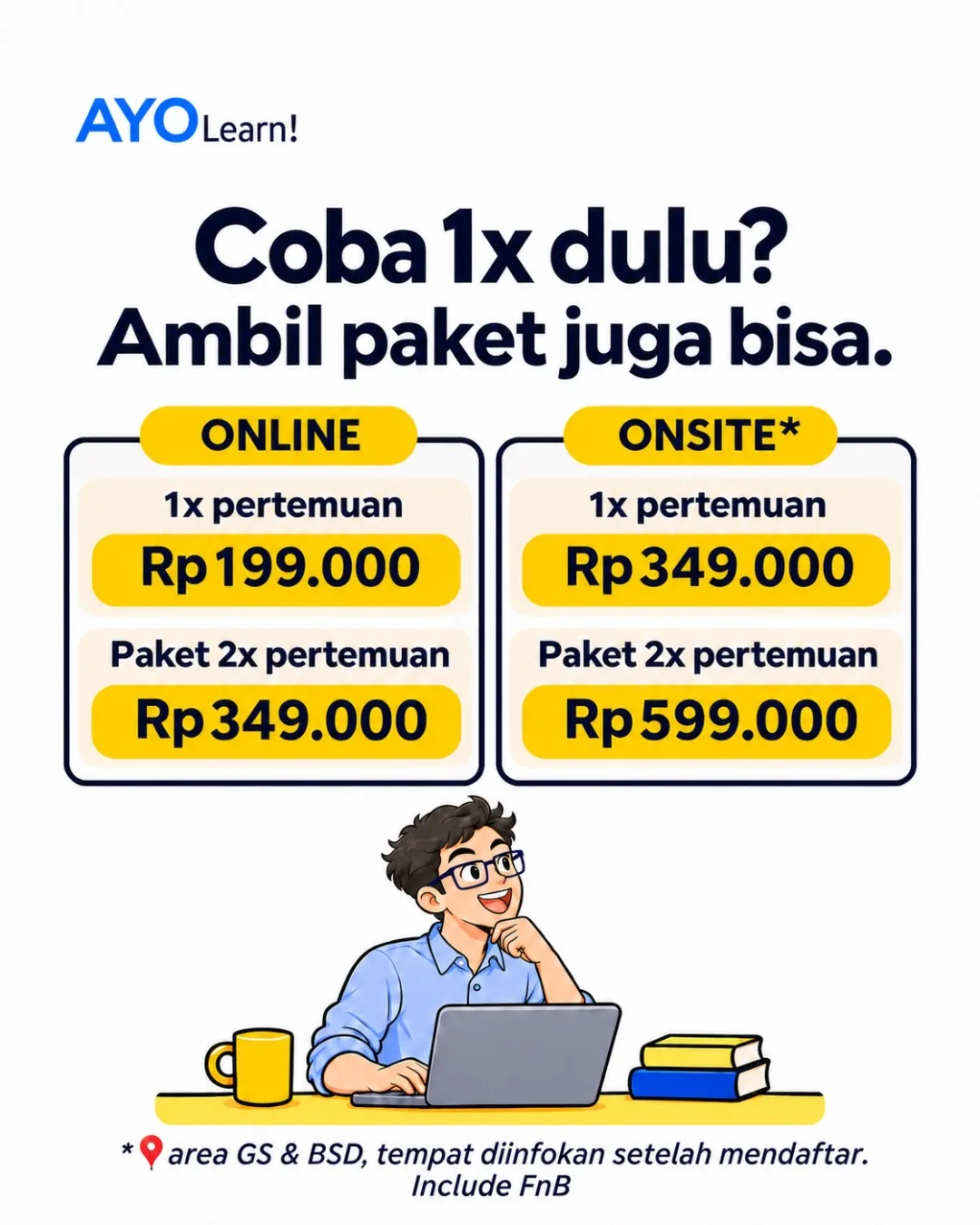
All times are WIB (UTC+7). Onsite classes are held around Gading Serpong and BSD. The venue is shared after registration, and food and drinks are included.
Pricing
Prices are the same for every topic. The bundle covers Session 1 and Session 2 of one class.
The same workshop summary that went out on Instagram @ayo.learn. The slides are in Indonesian.

Behind AYO Learn!
Author of the AYO Learn! materials
The AYO Learn! materials are written by Alfa Ryano Yohannis, PhD. Alfa earned a PhD in computer science at the University of York, UK, then spent more than four years there as a researcher, including a year as a Knowledge Transfer Partnership (KTP) associate at Leonardo Ltd.
Before that, Alfa spent three years as a technical consultant building add-ons for an ERP app, covering business intelligence, point of sale, fixed assets, and costing. That work shaped the finance, accounting, and tax material. The photography material grew out of a long-standing photography hobby.
Today Alfa teaches at university level and trains people to use AI agents in their daily work.
FAQ
Online classes run on weekday evenings, 19:00-20:30 WIB. Onsite classes run on a Saturday around Gading Serpong and BSD, with both sessions on the same day and food and drinks included. The venue is shared after registration.
Online is IDR 199,000 for one session or IDR 349,000 for the two-session bundle. Onsite is IDR 349,000 for one session or IDR 599,000 for the bundle.
A laptop. The exercises are done right on your own laptop, with AI.
No. Requests to the AI are written in plain language. For exercises with AI agents such as Claude Code or Codex, Python is installed on the laptop, but only the agent uses it, behind the scenes.
No. The finance, accounting, and tax exercises work with Excel and Word, or with the free LibreOffice Calc and Writer. The photography exercises use open-source tools such as darktable, GIMP, and digiKam.
Before putting work data into ChatGPT or Claude, participants check their employer's policy on confidential data. Details such as national ID numbers and bank account numbers are masked, and client photos are uploaded only with the client's permission.
Bahasa Indonesia, including the slides and practice files.
Send a WhatsApp message to +62 851-7150-6185 with the topic, the format (online or onsite), and whether you want one session or the two-session bundle.
Contact
Not sure which class fits? Ask on WhatsApp. For in-house training at a company or institution, use the contact details below.
From IDR 199,000, with hands-on practice for everyday work.